Smart Phone Graphics Design Masterclass
About Course
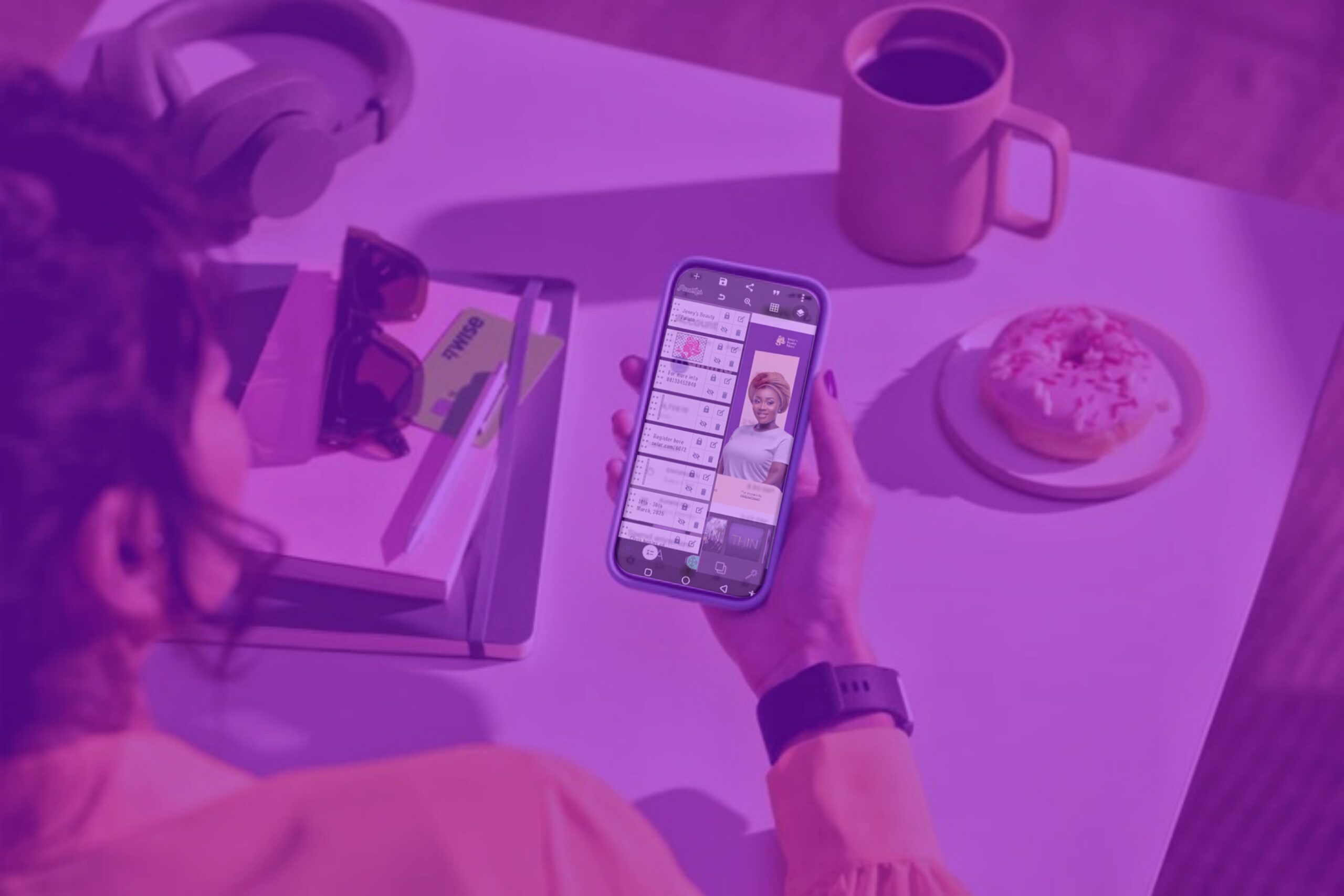
Smartphone Design Masterclass: Create Stunning Designs on the Go Unlock your creative potential with your smartphone.
This comprehensive course is designed to teach you how to create professional-level designs using powerful mobile apps like Pixellab, Snapseed, and Lightroom, no laptop needed. With this course, you’ll learn how to create stunning, eye-catching designs right from your smartphone using powerful apps like Pixellab, Snapseed, Lightroom, and more.
Whether you’re a business owner, content creator, aspiring graphic designer, or someone who simply wants to learn design for personal or professional growth, this course is made for you. This course is not just about learning how to design, it’s about building confidence, developing consistency, and stepping into a world of creative opportunities, all from your smartphone. You’ll finish the course with the skills to deliver professional-quality work and possibly even start your own freelance design hustle.
What You will learn?
- How to navigate and use mobile design apps effectively.
- Design fundamentals (layout, color, typography, balance).
- Creating flyers, social media posts, product ads, and business cards
- Editing photos and mockups like a pro
- Tips and tricks to make your designs stand out
- Exporting high-quality graphics for clients or social media
- How to monetize your skills and attract paying clients
Course Curriculum
MODULE ONE - The Basics
- Introduction to Graphic Design
- Elements of Graphic Design
- Types of Graphic Design
- Principles of graphic design
- Color Psychology
- Pixellab Tutorial (A)
- Pixellab Tutorial (B)
MODULE TWO - Designs Tutorials
- Design Inspiration – Pinterest
- Design inspiration – Behance
- Food class flyer design
- Simple pastries design
- Social media design breakdown
- Clothing flyer design
- Church flyer design
- Simple flyer design
- Glam flyer design
MODULE THREE - Tips & Tricks
- Create 3D text effect
- Seamless Carousel tutorial
- Add fonts to Pixellab
- Dotted Shape tutorial
- Remove Background with Remove.bg
- Remove Background with Photoroom
MODULE FOUR - Photo Editing
- Lightroom tutorial
- Snapseed Tutorial
- PS CC Tutorial
MODULE FIVE - Design Resources
Websites for design resources
MODULE SIX - Monetization
- Introduction
- Freelancing
- Build social media presence
- Build solid portfolio
- Create awareness
- Sell digital products
Materials Included
- Pixellab App
- Snapseed App
- PS cc App
- Lightroom App
Requirements
- A Smartphone (Android Precisely)
- Internet Access (for downloading apps and watching video lessons)
- Design Apps (You’ll be guided to install these): Pixellab, Snapseed, Lightroom Mobile (Optional: Canva, Remini, CapCut for bonus lessons)
- At least 2GB free storage on your phone
- Basic understanding of using a smartphone
- Willingness to learn and stay consistent
- A notebook and pen (optional, for jotting down tips and ideas)
Target Audience
- Beginners who want to learn graphic design without a laptop
- Aspiring graphic designers looking to start their journey using just a smartphone
- Content creators who want to create better visuals for their pages
- Small business owners and entrepreneurs who want to design their own flyers, ads, and social media graphics
- Freelancers who want to expand their skills and earn from smartphone design
- Students interested in building a creative side hustle
- Social media managers and brand influencers
- Content creators who want to create better visuals for their pages
- Anyone passionate about design but has limited access to a computer